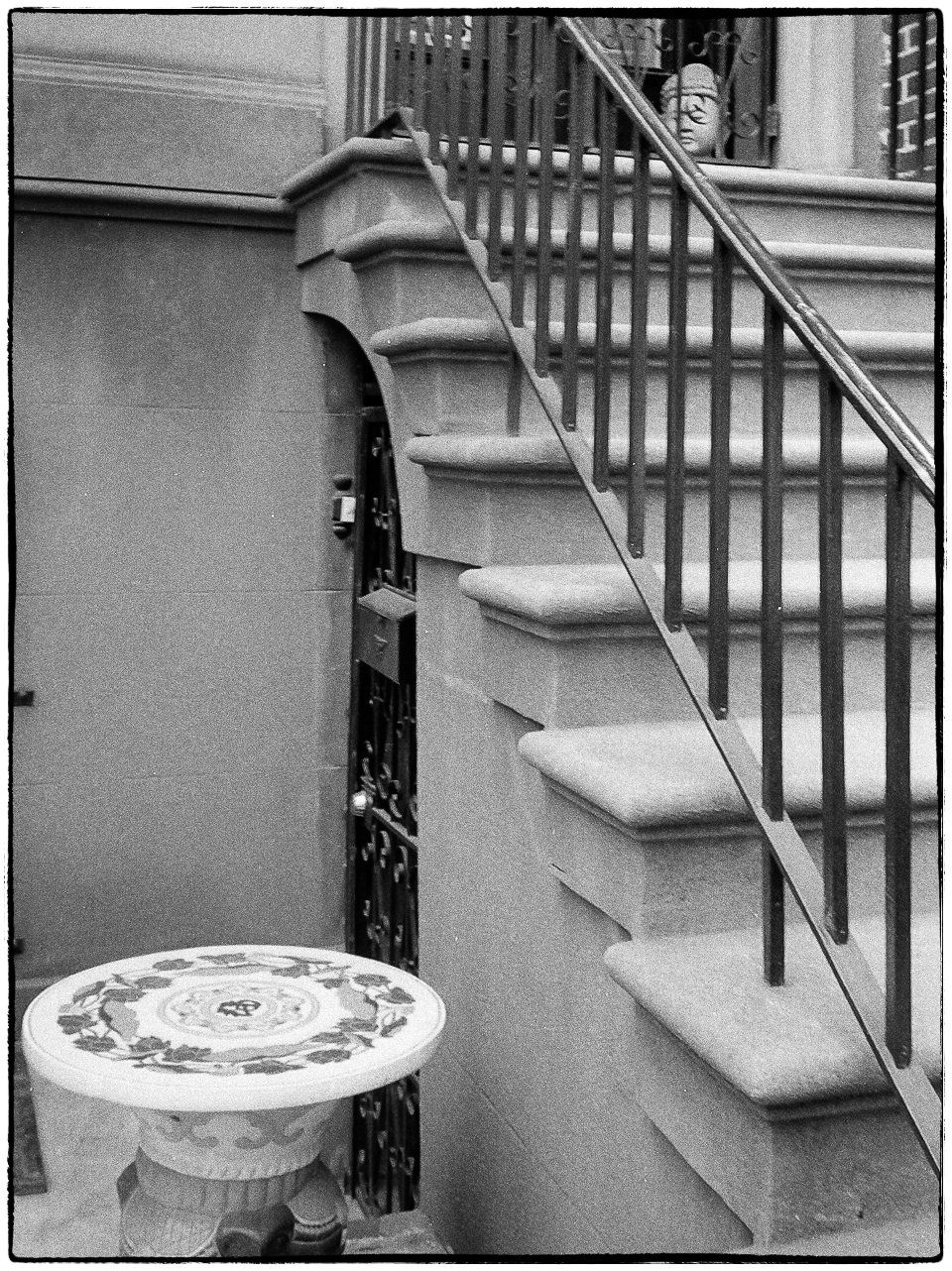
Oriental stairs

I think I like this because initially the eye is drawn to the lightest object in the picture i.e. the table in the bottom left corner. Then the strong diagonal of the stair rail leads up and to the left where just to the right, in the top right corner there’s a small oriental head. Or at least I hope that’s what happens. Without the small head it wouldn’t be the same.

Taken in March 2012 with an Olympus XA film camera and scanned (very low resolution) at a local drug store.

Hudson River panorama

In an earlier post (Finally upgraded to Lightroom 6) I mentioned that I had just changed from Lightroom 5.7 to Lightroom 6.0 (now 6.5.1) and that one of the new features I liked was the Panorama merge. Here’s an example of it . Taken back in April 2011 with a Panasonic Lumix LX3 it’s built from five vertical format 10 megapixel RAW images. I just selected the five images, selected the Panorama merge option and Lightroom did the rest. Much easier than exporting all the images then re-importing them into Photoshop.

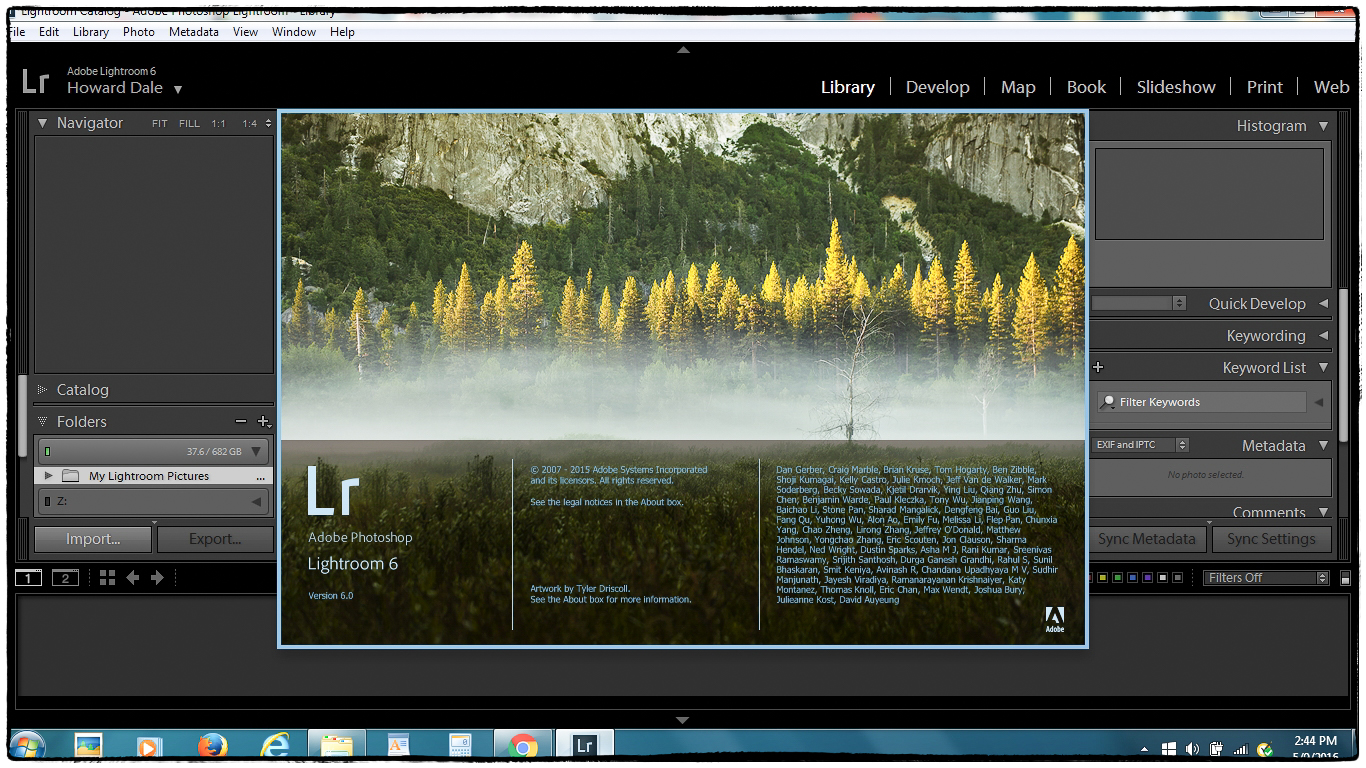
Finally upgraded to Lightroom 6

UPDATE. On the performance issue below. After browsing around for a while I came across this article: RESSETTING THE LIGHTROOM PREFERENCES FILE. I followed the instructions (note that there are two sets of instructions: 1) For versions 1-5 and; 2) for version 6. Make sure you follow the right set for your version). My initial impression is that performance is now significantly better. It also seemed to upgrade the catalog too during this process.

I’ve been “agonizing” for a while over whether or not I should upgrade my existing standalone copy of Lightroom 5. I could a) just upgrade to the standalone copy of Lightroom 6 for $75; b) upgrade to the photographers version of Adobe’s Creative Cloud, which includes both Photoshop and Lightroom for $9.95 per month. In the end I decided to go with the standalone version because I don’t like the way Adobe is using their power as a virtual monopoly to force us into the subscription based CC. Having said that CC doesn’t look like a bad option (particularly since I use Photoshop Elements at the moment and the full copy of Photoshop plus Lightroom looks appealing) and I might update to it at some time in the future. In fact I might have to as I imagine Adobe will eventually abandon the standalone version of Lightroom the way it has with Photoshop.

There are many small improvements but it seems that the main differences between Lightroom 5.7 and 6.0 are the following – in order of interest to me.

Filter brush. Very useful. I’ve already started to use it quite a lot.
De-haze. I now remember reading that this isn’t included in the standalone version – only in CC. Too bad. Would have been nice.
Faster performance for editing through GPU acceleration. Since Lightroom is a bit of a resource hog I had high hopes for this. Unfortunately my graphics chip is not supported.
Panorama merge. Worked nicely. Quick and easy.
HDR merge. Haven’t tried it yet, but if it works like the Panorama merge it will be useful.
Advanced video slideshows. Haven’t yet tried, but from reading about it sounds as if it will be something I can use.
HTML-5 web galleries. Haven’t yet tried, but from reading about it sounds as if it will be something I can use. Finally no more Flash.
Facial recognition and tagging. Seems to be of interest to many people, but I don’t see a need for it. Maybe because I don’t take all that many pictures of people. Or maybe I’m just not getting how I could use it effectively.
Syncing with Adobe mobile. Don’t use Adobe mobile so of no interest.
Import images into collections. Don’t have an opinion on this one yet.

My initial impression in positive. I really like some of the improvements particularly the filter brush, panorama merge, HDR merge and the improvements to the Slideshow and Web modules. It’s a pity that de-haze is not included. My biggest complaint is that not only do I NOT get performance improvements (because my GPU is not supported) – performance actually seems to be worse since I did the upgrade. Maybe something needs “tweaking”. I just installed an update to 6.5.1. Maybe that will help? Is the update worth the cost? I suppose it is to me.

One final remark. The entire process of purchasing the standalone update was a nightmare. It’s almost impossible to find it on the Adobe website. Add to that as I browsed around trying to get to it I was asked to enter my Adobe ID every couple of minutes (or maybe less – it certainly felt like it). Not a pleasant experience. Again it’s very clear that Adobe wants you to subscribe to CC rather than buy the standalone version. But did they really have to make it that difficult! Makes you wonder why they bothered with a standalone version at all.

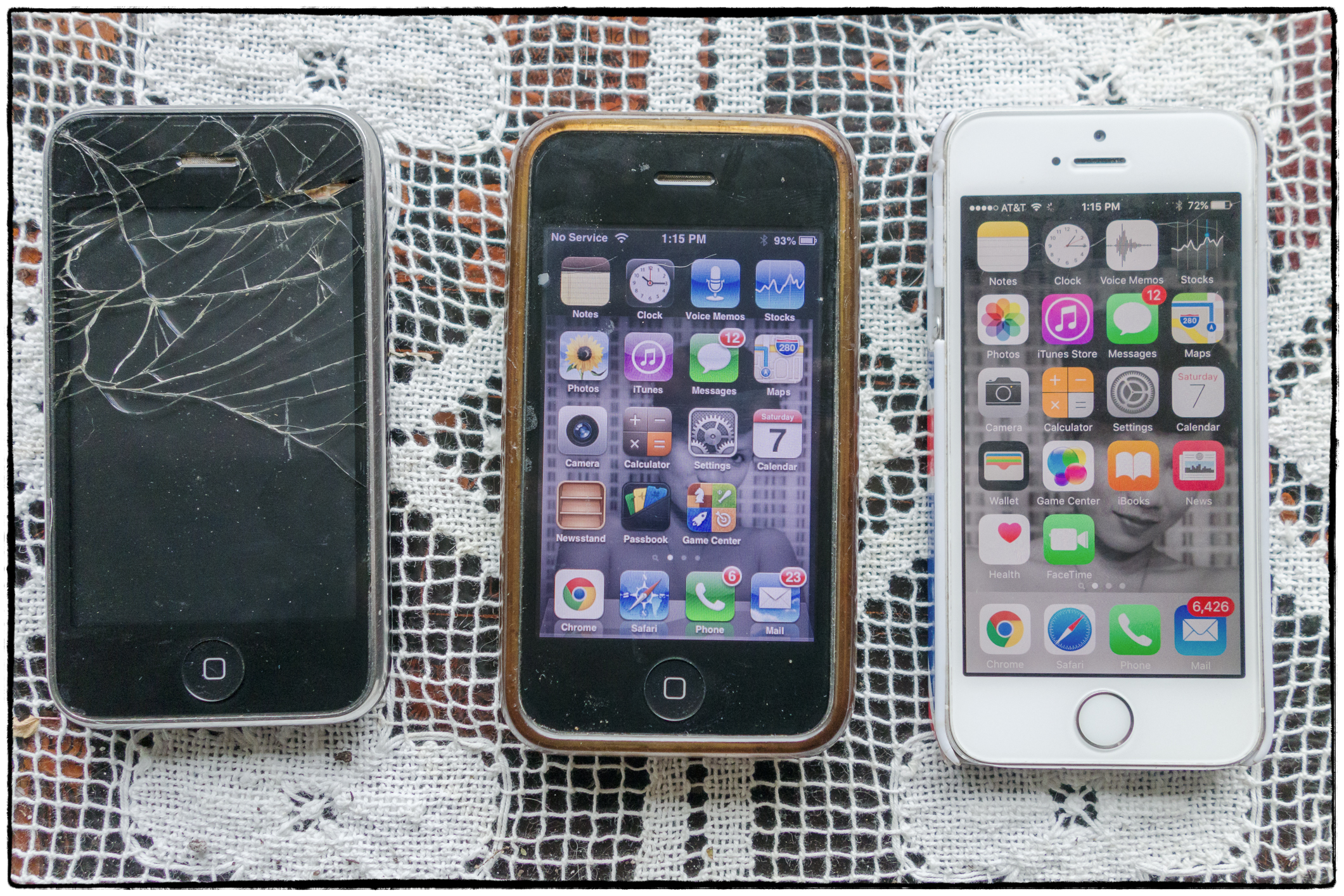
Bye bye iPhone 3GS’s. Hello iPhone 5s.

It’s now been raining for seven days in a row and you see what I’ve been reduced to – taking pictures of iPhones!

Anyway the sad tale of my poor old iPhone 3GS has now come to an end. My wife and myself both got one of these phones back in 2009 when they first came out.

The one on the left was mine. One day I was sitting outside my wife’s fitness club with our old dog, Jackson browsing away on the phone. Something he saw caused him to rush off, pulling my arm with him. The phone flew out, spiralled up into the air and came down with a crash on the concrete paving (he also destroyed two Amazon Kindle’s in the same way before I figured out that it wasn’t a good idea to hold his leash in the same hand as an electronic device). As you see the screen shattered. But it was still working and I could still read the screen – just. So I kept using it.

The one in the middle belonged to my wife. Eventually she got an iPhone 5s. I was getting frustrated with my 3GS – not so much because the screen was broken. I could live with that. But because 1) the battery life was gradually decreasing; and 2) newer versions of apps wouldn’t work on the old operating system (OS3). The latter was particularly important as I read a lot and had come to depend on the Amazon Kindle app, which I had unfortunately accidentally deleted and could no longer replace. Then one day I had a brainwave – how about I use my wife’s old phone. I thought at the time that it was an iPhone 4 (it wasn’t) and so it would be a slight step up. I upgraded the OS to version 6, which I figured would support the Kindle app (it did) and all was well with the world – for a while. I had a phone that didn’t have a broken screen and could run my favored apps. OK, it was a bit slow but it got the job done. Then one day – disaster! While it continued to make and receive calls, the person I was calling couldn’t hear me and I couldn’t hear them. Ah well back to the cracked screen.

Anyway the other day the phone with the cracked screen stopped working altogether. It was probably my fault. I was taking a bath and put the phone on the side of the bath in case my wife called. When I got out of the bath the phone was wet – I must have splashed some water on it. All would probably have been well with an intact phone, but with all those cracks and holes….I switched back to phone number two and lo and behold it worked. I could hear people speaking and they could hear me. Somehow it had miraculously come back to life. But I no longer trusted it. It had stopped working once so it could stop working again. I’d put up with the laughter and sarcasm from my friends for too long. It was time to upgrade.

My wife had been talking about upgrading for a while (she wanted a better camera and a bigger screen). She got an iPhone 6s and I inherited her two year old 5s. So I have a fairly recent iPhone. The screen isn’t cracked and it will run all my apps. It’s not the latest technology, but it’s good enough for me.

Since this is primarily a photo blog, you may well ask what all of this has to do with photography. I love cameras and would never dismiss the camera in the iPhone. It’s revolutionized photography. I imagine more people take pictures today with phone cameras than with regular cameras. You always have it with you and within its limitations it can produce great results. I few years ago we were in the Turks and Caicos Islands. My wife went for a spa treatment and took a few pictures inside with her iPhone 3GS. I took some pictures outside with my regular camera. That day the light was gorgeous. I later did a photobook and you really can’t tell the difference. I’ve asked friends if they can identify the pictures taken with the iPhone and they can’t. I recently did another photobook with just iPhone pictures (because I didn’t have another camera with me) as a souvenir for a friend who may be relocating. It came out fine. I’m pleased that the iPhone 5s has a better camera than the 3GS I had before.

Hopefully I won’t have to worry about upgrading for another seven years.

Confused by the bewildering array of Canonets

In January of 1961, Canon introduced the Canonet, a consumer-friendly 35mm film rangefinder camera aimed at the average person. Over fifty years and fourteen variations later, film photographers still look back on the Canonet as an excellent choice for beginning and experienced photographers alike. Let’s travel back in time to see how it all began and why the Canonet remains popular even today.

Source: A Brief History of the Canon Canonet Rangefinder.

The Canonet QL-17 GIII is one of the best regarded of the fixed lens, compact rangefinder cameras. I have one, but have yet to try it out. However, in browsing around I’ve also noticed that there are many more Canonet models (e.g. original canonet; canonet 28, canonet 25; canonet 17 (no ql); canonet 17 – no GIII. Wikipedia lists no less than 17 different models including four 17’s and four 19’s – only one of which is covered in detail: the QL-17 GIII) I can guess that the number indicates the largest aperture and that the QL indicates that the camera has a “quick load” system. But I’ve no idea what the GIII means (third generation maybe?). I’ve also seen references to something called a “new” canonet. It’s all very confusing. I have a excellent book (Canon Rangefinder Cameras 1933-68 by Peter Dechert) on Canon rangefinder cameras, but it only deals with the older, Leica Thread Mount cameras. There are also multiple models of these – many of which look practically the same (what exactly is the difference between a Canon IV, IVSB, and IVSBII for example?). So the book didn’t help.

So I was excited when I came across this article on Petapixel. After I read it I was still somewhat bewildered, but it certainly helped. Maybe if I read it a few more times it will become clearer.