UPDATE. On the performance issue below. After browsing around for a while I came across this article: RESSETTING THE LIGHTROOM PREFERENCES FILE. I followed the instructions (note that there are two sets of instructions: 1) For versions 1-5 and; 2) for version 6. Make sure you follow the right set for your version). My initial impression is that performance is now significantly better. It also seemed to upgrade the catalog too during this process.
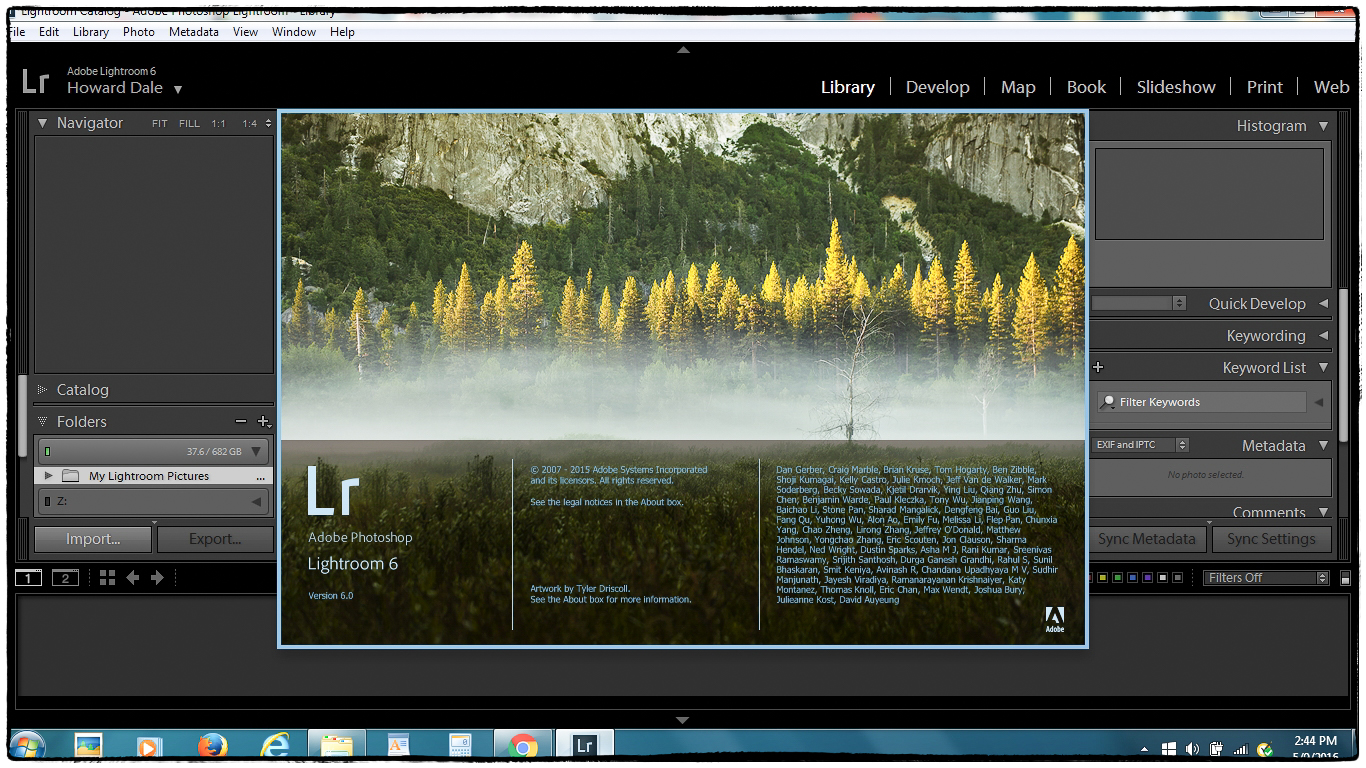
I’ve been “agonizing” for a while over whether or not I should upgrade my existing standalone copy of Lightroom 5. I could a) just upgrade to the standalone copy of Lightroom 6 for $75; b) upgrade to the photographers version of Adobe’s Creative Cloud, which includes both Photoshop and Lightroom for $9.95 per month. In the end I decided to go with the standalone version because I don’t like the way Adobe is using their power as a virtual monopoly to force us into the subscription based CC. Having said that CC doesn’t look like a bad option (particularly since I use Photoshop Elements at the moment and the full copy of Photoshop plus Lightroom looks appealing) and I might update to it at some time in the future. In fact I might have to as I imagine Adobe will eventually abandon the standalone version of Lightroom the way it has with Photoshop.
There are many small improvements but it seems that the main differences between Lightroom 5.7 and 6.0 are the following – in order of interest to me.
Filter brush. Very useful. I’ve already started to use it quite a lot.
De-haze. I now remember reading that this isn’t included in the standalone version – only in CC. Too bad. Would have been nice.
Faster performance for editing through GPU acceleration. Since Lightroom is a bit of a resource hog I had high hopes for this. Unfortunately my graphics chip is not supported.
Panorama merge. Worked nicely. Quick and easy.
HDR merge. Haven’t tried it yet, but if it works like the Panorama merge it will be useful.
Advanced video slideshows. Haven’t yet tried, but from reading about it sounds as if it will be something I can use.
HTML-5 web galleries. Haven’t yet tried, but from reading about it sounds as if it will be something I can use. Finally no more Flash.
Facial recognition and tagging. Seems to be of interest to many people, but I don’t see a need for it. Maybe because I don’t take all that many pictures of people. Or maybe I’m just not getting how I could use it effectively.
Syncing with Adobe mobile. Don’t use Adobe mobile so of no interest.
Import images into collections. Don’t have an opinion on this one yet.
My initial impression in positive. I really like some of the improvements particularly the filter brush, panorama merge, HDR merge and the improvements to the Slideshow and Web modules. It’s a pity that de-haze is not included. My biggest complaint is that not only do I NOT get performance improvements (because my GPU is not supported) – performance actually seems to be worse since I did the upgrade. Maybe something needs “tweaking”. I just installed an update to 6.5.1. Maybe that will help? Is the update worth the cost? I suppose it is to me.
One final remark. The entire process of purchasing the standalone update was a nightmare. It’s almost impossible to find it on the Adobe website. Add to that as I browsed around trying to get to it I was asked to enter my Adobe ID every couple of minutes (or maybe less – it certainly felt like it). Not a pleasant experience. Again it’s very clear that Adobe wants you to subscribe to CC rather than buy the standalone version. But did they really have to make it that difficult! Makes you wonder why they bothered with a standalone version at all.