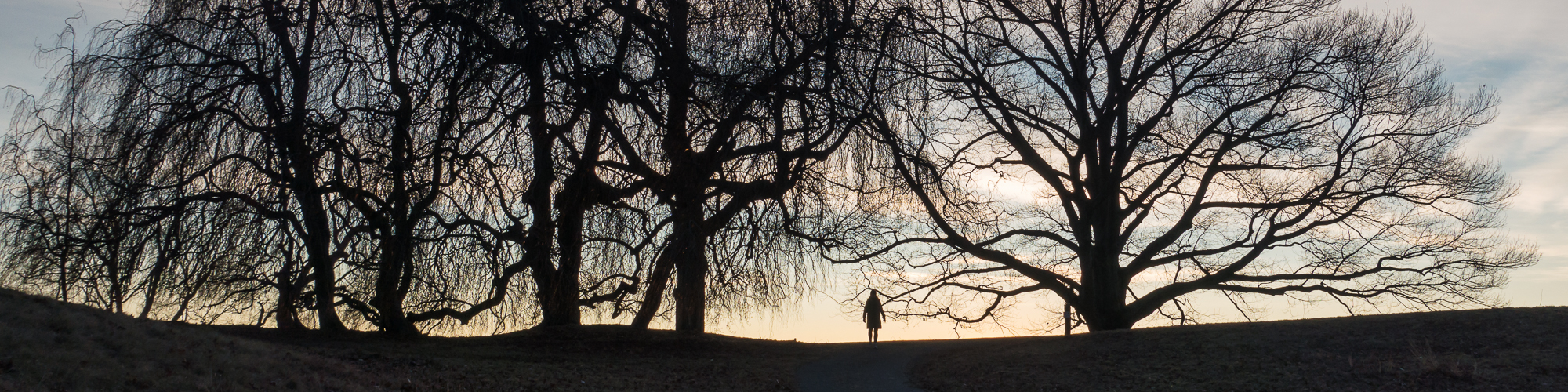
Trees at Little Stony Point

I’ve been to Little Stony Point several times. It’s quite close, rather picturesque (Beaches, Hudson River views, Cliffs with spectacular views; A small cave) and it’s an easy walk with the dog. It’s also close to Cold Spring so after the walk I can go for a coffee, a bite to eat or a quick beer – or if I want to walk some more find one of the many other trails around Cold Spring.

For other posts see here:

Little Stony Point.
Hudson River from the cliffs at Little Stony Point.
Small cave at Little Stony Point.
Graffiti on the Rocks.

Taken in November 2013 with a Sony NEX 5n and Nikon 50mm f1.8 E-series. This lens doesn’t get the credit it deserves. The first consumer-oriented Nikon lens it used a lot of plastic and has often been disparaged. Nikon didn’t even give it the normal ‘Nikkor’ designation, preferring to call it ‘Nikon’ instead. It is, however, very small, very light and extremely sharp.
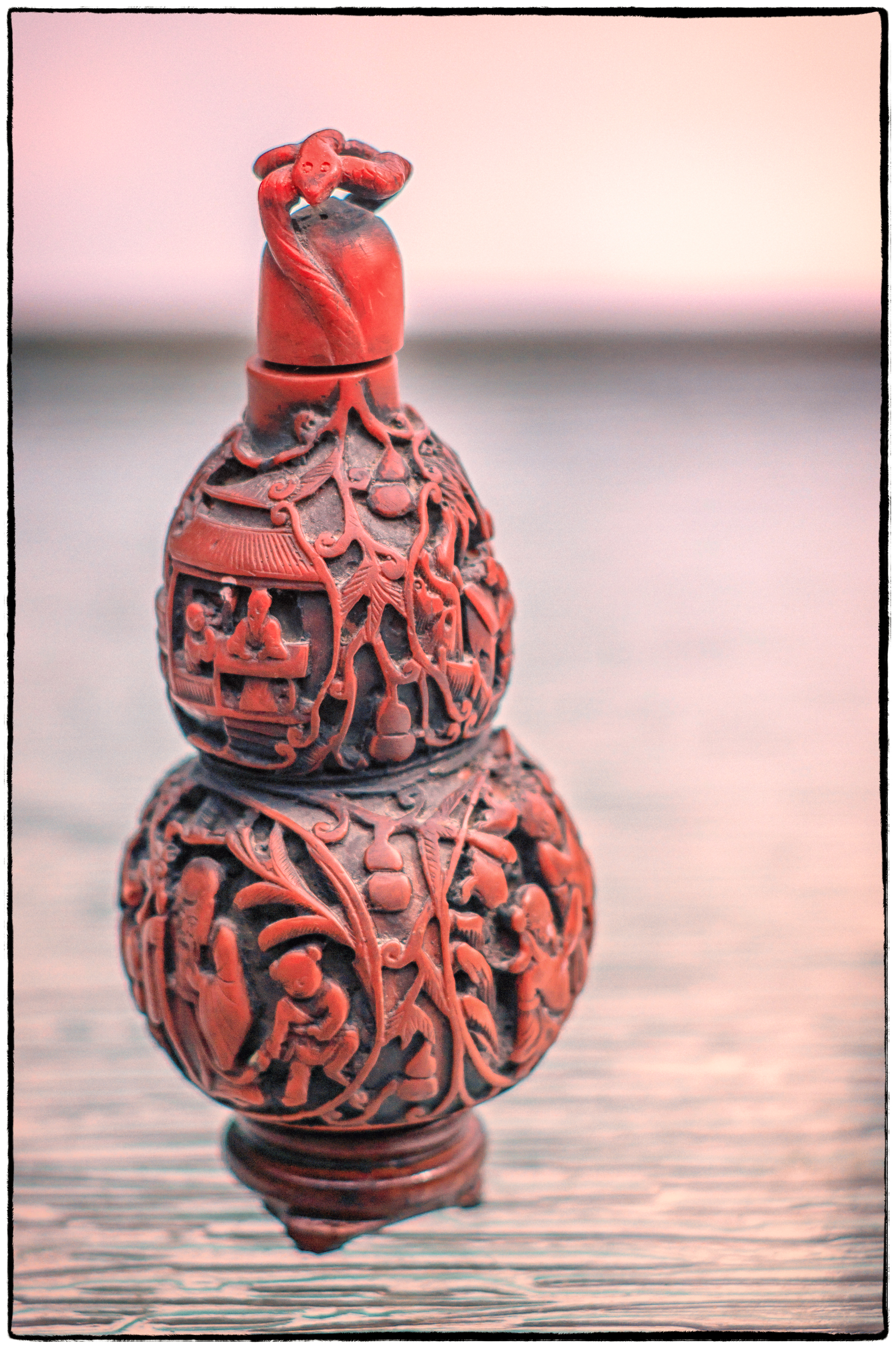
Red Cinnabar Jar

In earlier posts I mentioned that when the weather was bad I started taking pictures indoors. The weather has now improved but I’m enjoying taking pictures of objects, still life etc. so I’m continuing. It was a nice day today and the snow has almost melted off our patio. So I could walk across it again for the first time in a couple of months. I’d been thinking of taking some pictures of this red cinnabar jar for some time and when I noticed that the snow had also gone from our glass topped patio table I thought it might be interesting to place the jar on top of it. So out I went. I quite like the result. I like the transition from the in-focus to the out of focus areas. It almost seems as if the jar is floating.

I was also trying out a new lens. A friend had been having trouble getting his ebay pictures to behave as he wanted them to so I lent a hand. He then brought out an old Nikon N2000/F301 (not exactly a treasure and apparently not working); a 50mm Nikon E-series (which I already have); and an 85mm f2 Nikkor. I like the 85mm focal length and although not the most favored of Nikkors I thought I’d try it out. He’s letting me use it for a while. If I like it enough I might buy it from him – if the price is right.

Detail

Another detail

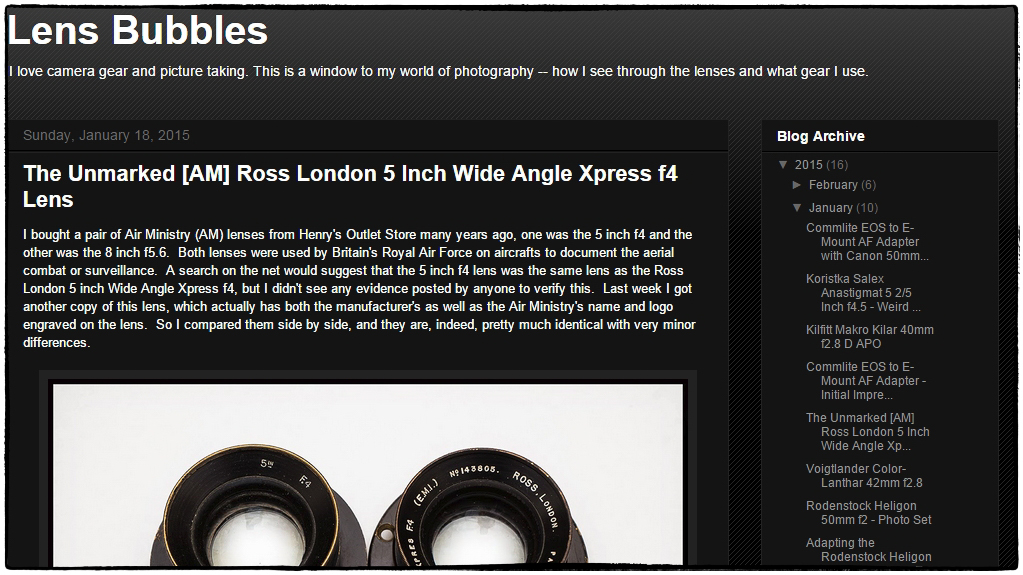
Are you into adapting legacy lenses to mirrorless cameras?

Lens Bubbles

If so then you’ll like this site:

Lens Bubbles.

It contains post after post of quite detailed instructions on how to adapt sometimes quite arcane lenses to a variety of cameras – although the focus seems to be on the Sony E mount. It goes far beyond just buying an off the shelf adapter (as I have done in the past) and into specifics of taking apart lenses and rigging up your own adapter. The author takes old lenses, cuts bits off, drills holes, glues stuff together and … voila… an adapter that lets you use a Koristka Salex Anastigmat 5 2/5 Inch f4.5 with your Sony Alpha Nex A7. Almost all of the posts provide images produced by the adapted lens/camera combination to show you what kind of results you can expect.

Fascinating stuff! I wish I had the nerve (and the mechanical skills) to try some of this. Must be very fulfilling to get an ancient lens (that probably nobody wants any more) to work work with a state of the art camera body.

LensTagger Lightroom plugin

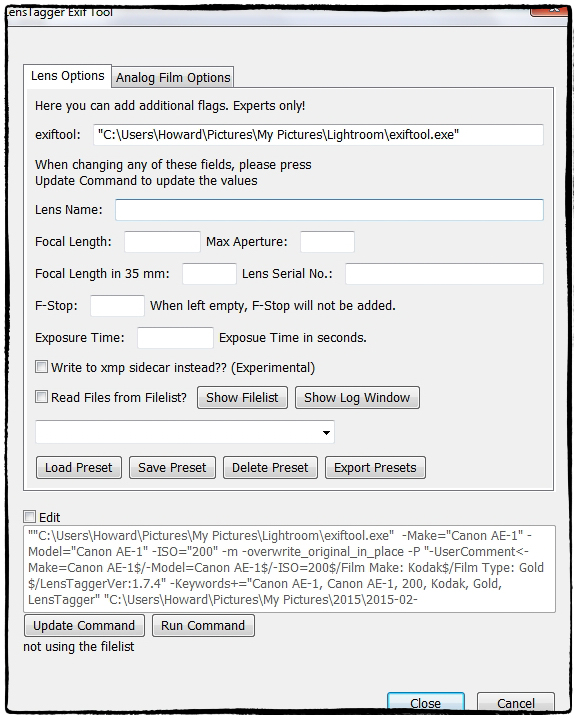
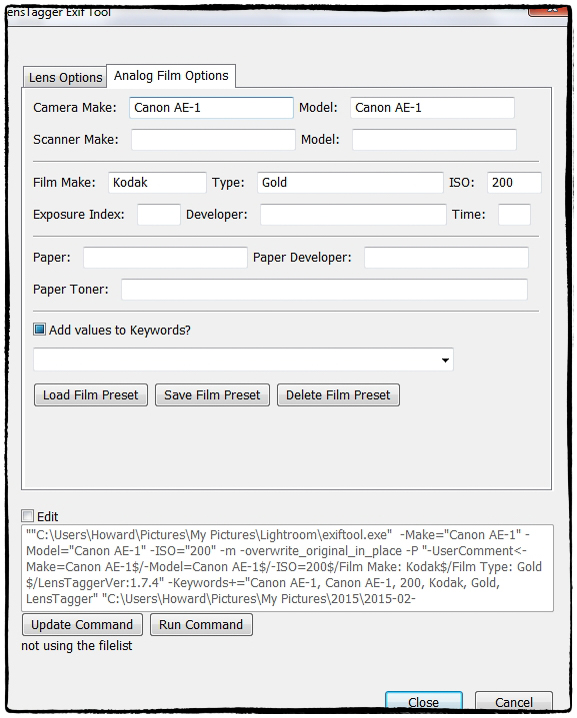
I’m fond of film photography. I also like to use legacy lenses. One of the main reasons I bought my Nex 5n was that it could, with appropriate adapters, use a wide variety of older, often less expensive, legacy lenses. Of course when negatives are scanned they don’t come with metadata telling you about the lens used, the film used etc. Legacy lenses used on digital cameras provide quite a bit of metadata, but nothing on the lens used. Of course you can always add this information as a tag, or a keyword, or in a description, but this has always seemed to me to be less than optimal. So I was pleased to come across LensTagger. It operates as a Lightroom plugin. Select an image (or images), invoke the plugin and (after prompting you to save the existing metadata to a file) up pops the screen above inviting you to add information about the lens used. Click the second tab and you get the screen below prompting you to provide details of the camera and film used. Press ‘Update Command’ and after it completes close the window. While the files are still selected choose ‘Load Metadata from file’ and you’re done. A little bit clunky, but not too bad. You can now select the legacy lens from the ‘Metadata’ section of the ‘Library Filter’ in Lightroom. NOTE: ExifTool by Phil Harvey must be installed for the plugin to work.

LensTagger is a Lightroom plugin that adds EXIF data to photos directly out of Lightroom. Wether you are shooting with legacy Lenses on Micro Four Thirds, or want to properly tag your pictures shot with an analog Camera,

via LensTagger Lightroom plugin.

Konica Hexanon 135mm f3.2

Bush with berries

I recently acquired two Konica hexanon lenses (a 28mm f3.5 and a 135mm f3.2) complete with nice lens cases and a useful wide angle metal lens hood. I wanted the lenses and the Konica Autoreflex TC that came with them was a plus. The whole lot cost less than $50. I haven’t yet tried the 28mm, but these pictures are from the 135mm on my Sony Nex 5N.

I must say that I really like this lens. I don’t usually use this focal length but I quite liked it. It’s a fairly large (particularly with the adapter) and heavy lens, which feels well built. I really liked to colors and the out of focus areas (bokeh) are impressive. It’s also extremely sharp.

I can see myself using this focal length more.

Hudson View with Tree.

More Berries

Eirah and Jackson.

Flower.