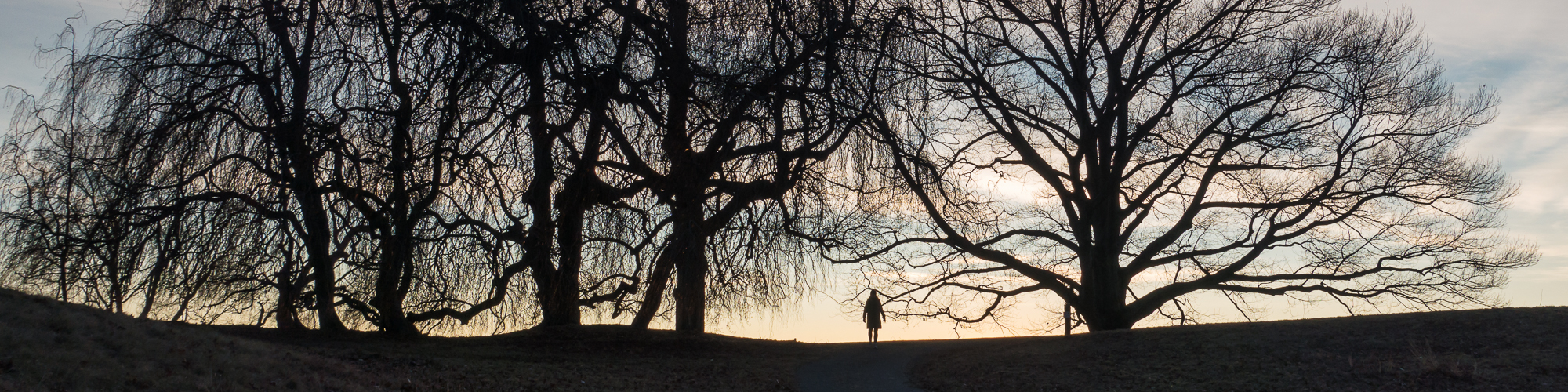
Why do I blog?

I recently read a blog post, which posed the question: “Why do you blog?” and it made me think about my reasons for blogging.

The first point to be made is that I do it for myself. I imagine that I could get usage statistics, but I don’t bother to look. I suspect that very few people read my blog and that’s fine with me. So why do I blog?

First – I originally started to blog to force me to get out and take pictures. All of my reading and advice from other photographers suggested that you have to do this in order to improve. I’m fundamentally quite lazy and tend to find excuses not to go and shoot. I thought that starting a blog would give me a reason to go and take pictures. So far it’s worked. I now take many more pictures than I did before and I can see a slight improvement over time.

Second – it provides me with a record of what I’m doing. It’s a bit like having a diary. I can look back and see where I was and what I was doing two years ago, for example. I’m a fan of mysteries and inevitably a police officer asks the suspect what he/she was doing on the night of such and such. I’ve often wondered how I would answer such a question since I can’t generally remember what I’ve being doing. With the blog I can just check the appropriate date and there’s a good chance that this will point me in the right direction.

Third – Very few of my posts are thoughtful. They’re mostly just a picture and some text. Sometimes, however, I’m prompted to put some ideas forward and the blog is a useful vehicle for capturing them.

Fourth – The blog is a useful place to record links to things I’ve found on the internet that I found particularly interesting.

Fifth – The blog gives me the opportunity to combine two of my favorite pastimes: photography and history. I like nothing more that finding an old, interesting building; taking some pictures of it; then doing some research into its origins and history and combining the lot into a blog post.

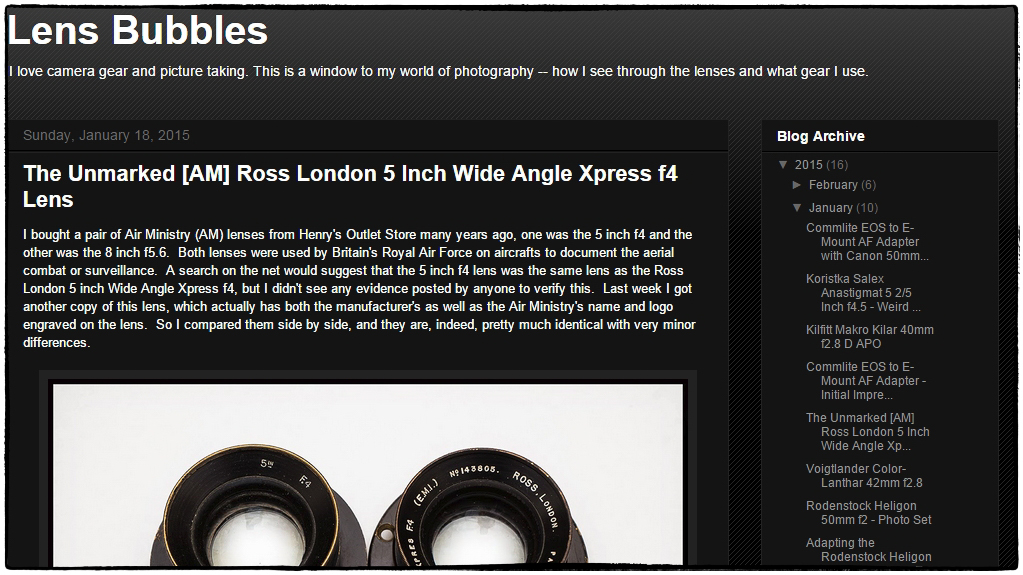
Are you into adapting legacy lenses to mirrorless cameras?

Lens Bubbles

If so then you’ll like this site:

Lens Bubbles.

It contains post after post of quite detailed instructions on how to adapt sometimes quite arcane lenses to a variety of cameras – although the focus seems to be on the Sony E mount. It goes far beyond just buying an off the shelf adapter (as I have done in the past) and into specifics of taking apart lenses and rigging up your own adapter. The author takes old lenses, cuts bits off, drills holes, glues stuff together and … voila… an adapter that lets you use a Koristka Salex Anastigmat 5 2/5 Inch f4.5 with your Sony Alpha Nex A7. Almost all of the posts provide images produced by the adapted lens/camera combination to show you what kind of results you can expect.

Fascinating stuff! I wish I had the nerve (and the mechanical skills) to try some of this. Must be very fulfilling to get an ancient lens (that probably nobody wants any more) to work work with a state of the art camera body.

LensTagger Lightroom plugin

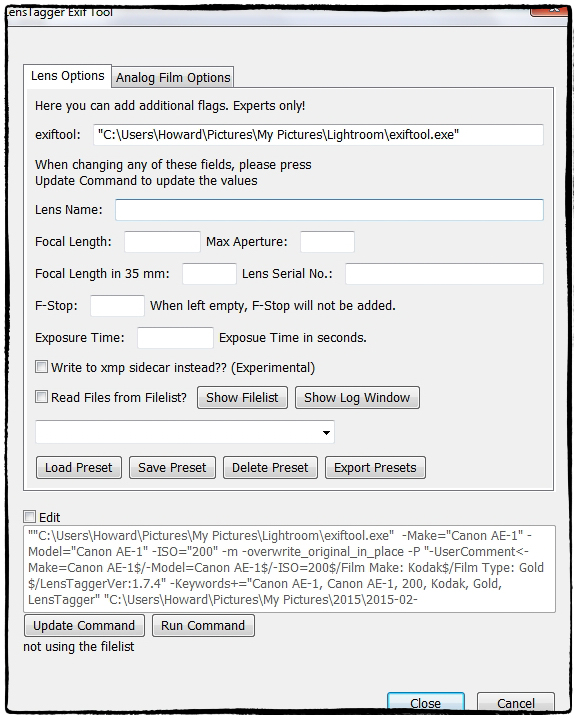
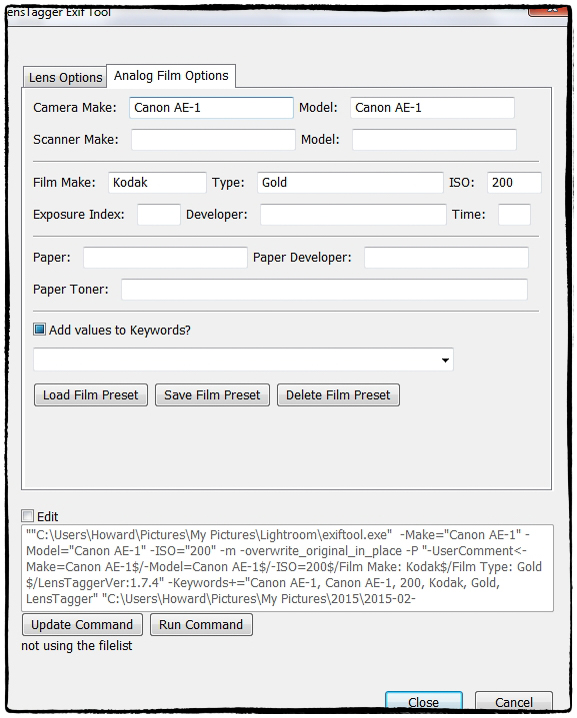
I’m fond of film photography. I also like to use legacy lenses. One of the main reasons I bought my Nex 5n was that it could, with appropriate adapters, use a wide variety of older, often less expensive, legacy lenses. Of course when negatives are scanned they don’t come with metadata telling you about the lens used, the film used etc. Legacy lenses used on digital cameras provide quite a bit of metadata, but nothing on the lens used. Of course you can always add this information as a tag, or a keyword, or in a description, but this has always seemed to me to be less than optimal. So I was pleased to come across LensTagger. It operates as a Lightroom plugin. Select an image (or images), invoke the plugin and (after prompting you to save the existing metadata to a file) up pops the screen above inviting you to add information about the lens used. Click the second tab and you get the screen below prompting you to provide details of the camera and film used. Press ‘Update Command’ and after it completes close the window. While the files are still selected choose ‘Load Metadata from file’ and you’re done. A little bit clunky, but not too bad. You can now select the legacy lens from the ‘Metadata’ section of the ‘Library Filter’ in Lightroom. NOTE: ExifTool by Phil Harvey must be installed for the plugin to work.

LensTagger is a Lightroom plugin that adds EXIF data to photos directly out of Lightroom. Wether you are shooting with legacy Lenses on Micro Four Thirds, or want to properly tag your pictures shot with an analog Camera,

via LensTagger Lightroom plugin.